SaneFocus for macOS

Catch the thought. Keep the focus.

A lightweight macOS scratchpad for quick notes, keyboard-first TODOs, and getting back to what you were doing.

Small on purpose.

SaneFocus is not a workspace. It is a fast place to put the thought down, organize it lightly, and return to the work in front of you.

Quick capture

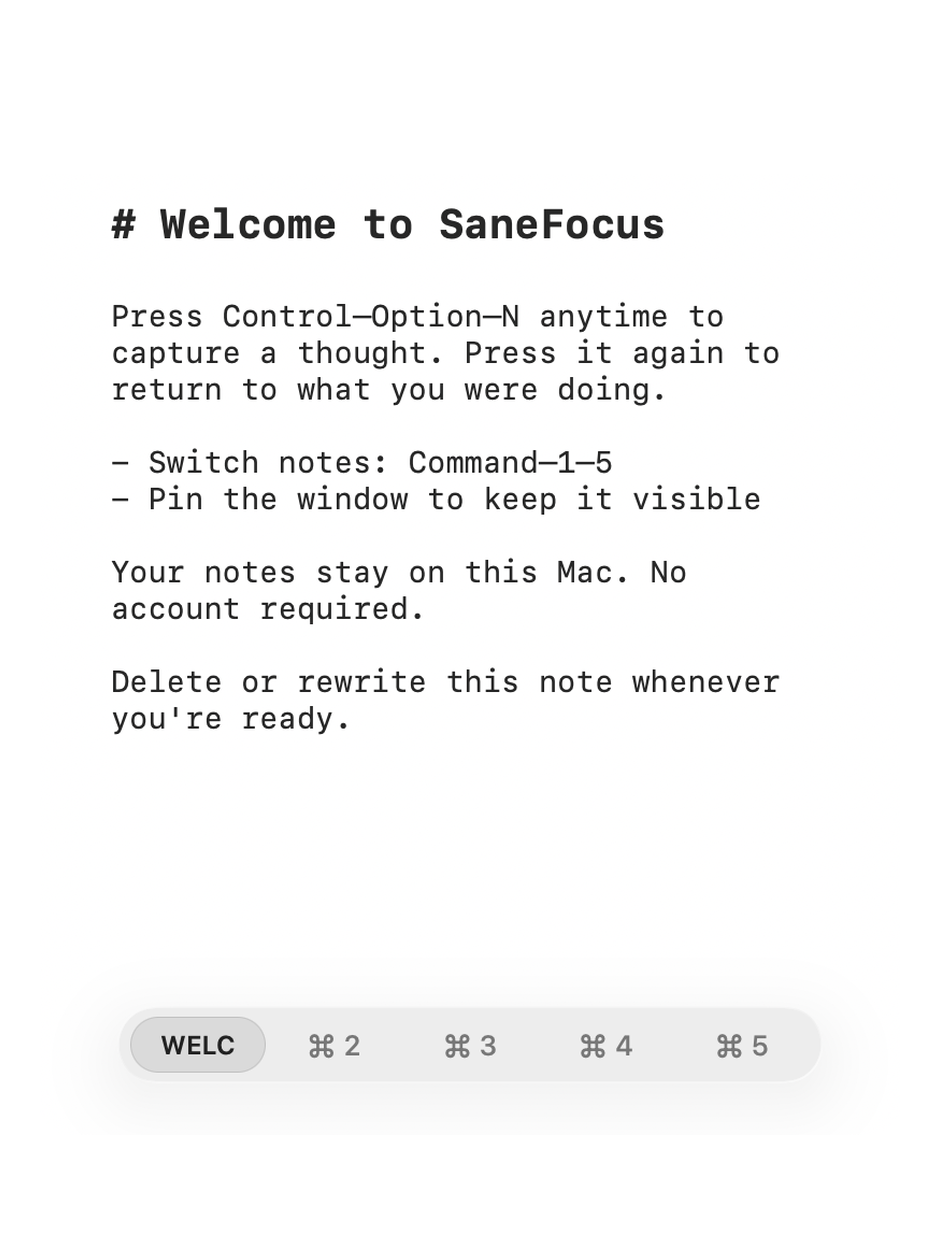
Open and hide notes instantly with global shortcuts or the menu bar.

Keyboard-first

Manage lightweight TODO states, duplicate lines, indent notes, and move completed items down.

Lightweight tabs

Keep separate thought streams in compact tabs without opening a full notes workspace.

Local by default

Notes stay local on your Mac. SaneFocus does not require an account or upload analytics.

Made to stay out of the way.

Pin notes while working, switch sides, adjust text size, and use simple Markdown styling when a note needs a little structure.

SaneFocus focus restoration screenshot SaneFocus keyboard-first screenshot SaneFocus local notes screenshot

Support

Questions, bug reports, and feature requests are welcome. The support page also explains Accessibility permission and local notes.

Open support

Privacy

SaneFocus is built around local notes and no account setup. Read the short privacy page for the exact details.

Read privacy policy